
Design a template
Build a page visually and add fields for the details that change.
Design one reusable page, connect your data, check each record and export PDFs.
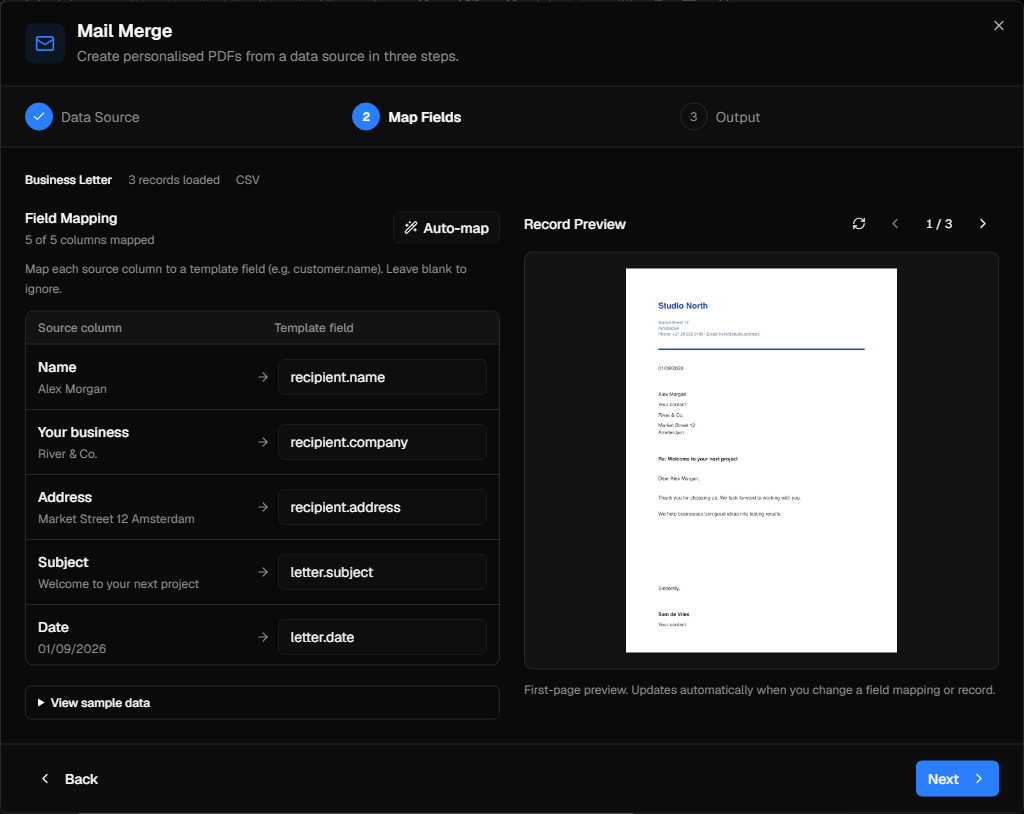
Build a page visually and add fields for the details that change.
Import CSV or JSON and map its columns to the template fields.
Check names, dates and layout before creating the batch.
Create PDFs per record or a merged batch within your edition limits.
Build a page visually and add fields for the details that change.
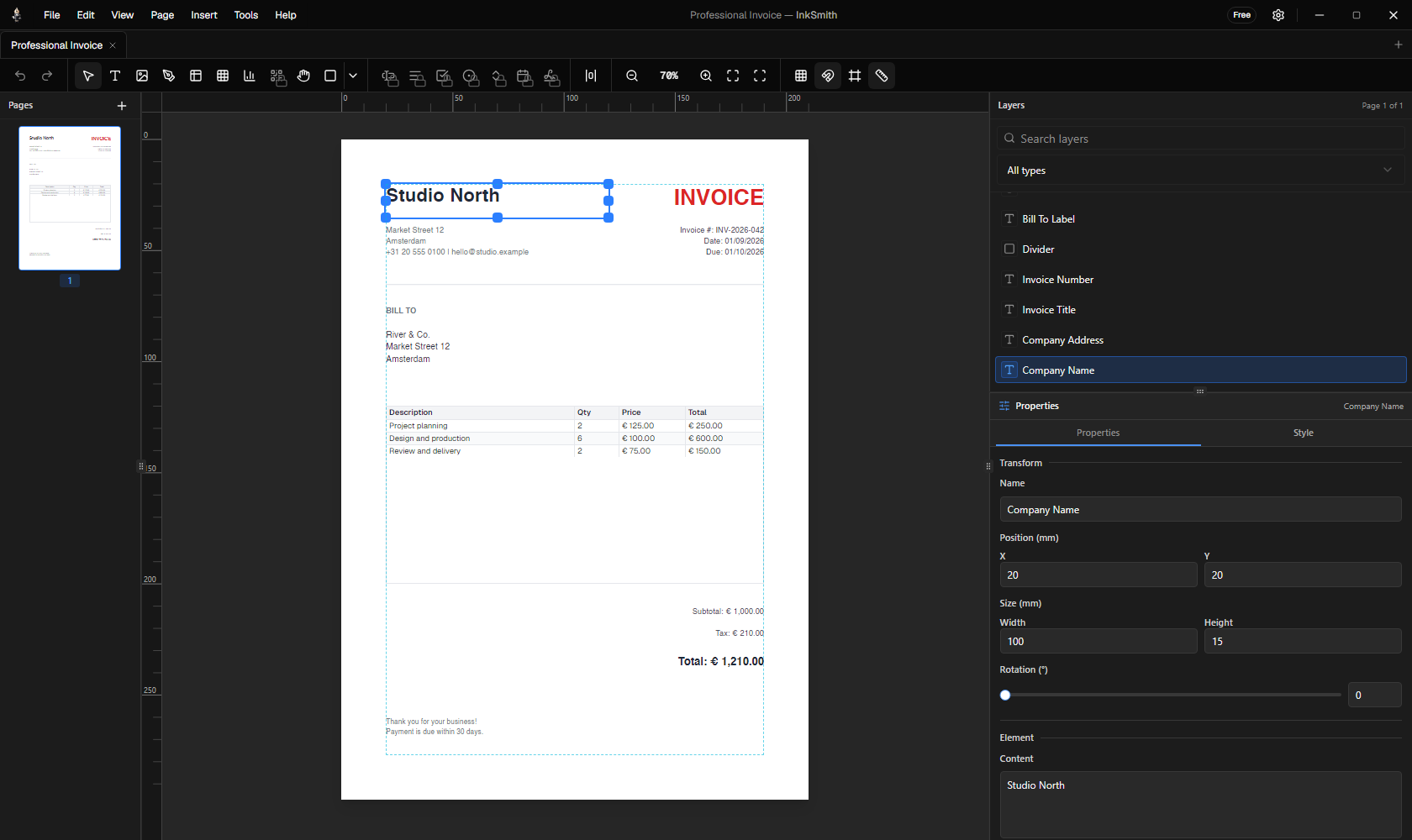
Download the InkSmith template and data files. Each recipient gets a different chart and QR code.
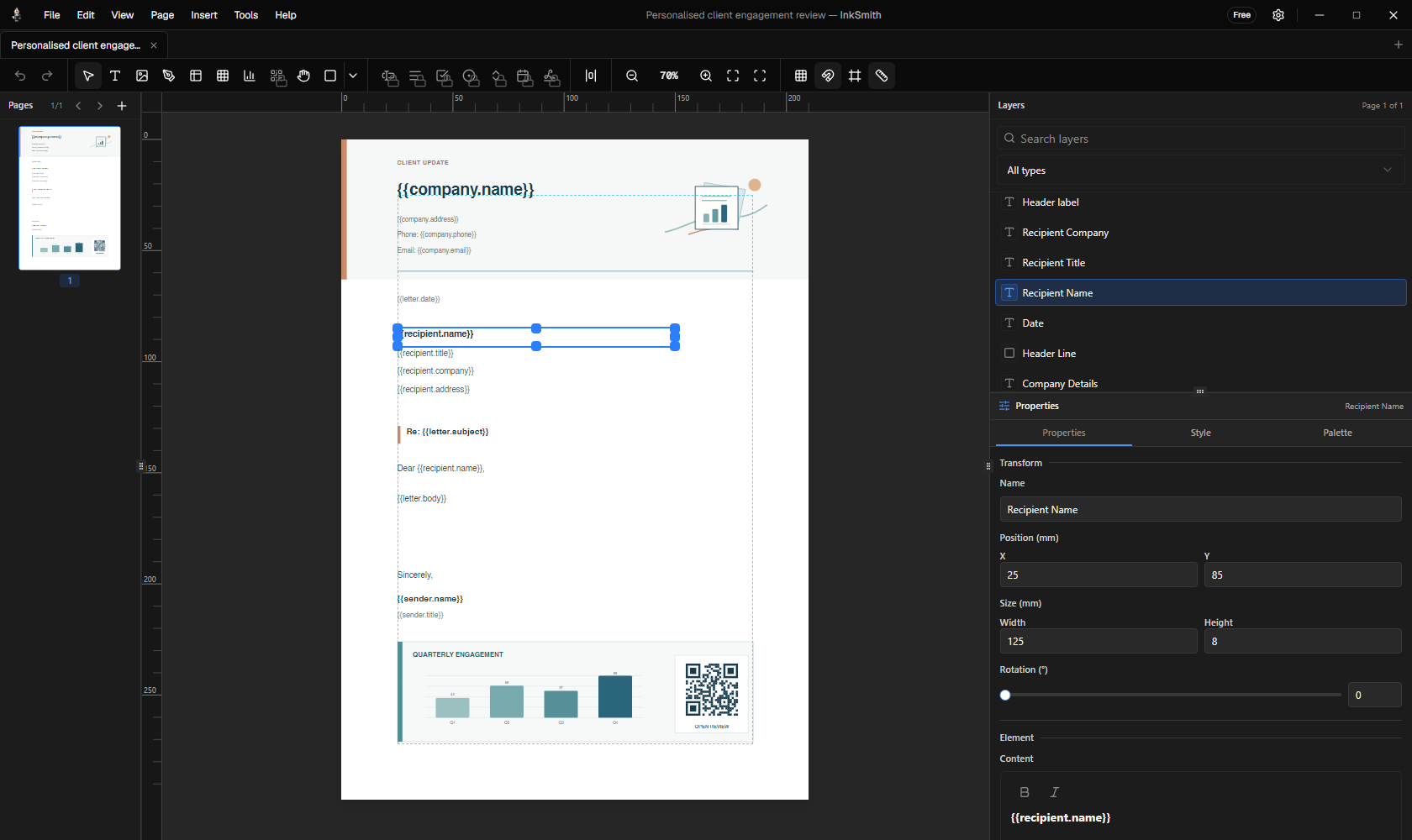
This is the downloadable template before a record is applied. Its field names match columns in the sample CSV.
Sample template (.inks)This grid reads the same CSV you can download. Select a recipient to inspect the matching PDF.
| recipient.name | recipient.company | Q1 | Q2 | Q3 | Q4 |
|---|---|---|---|---|---|
| Riverbend Events | 42 | 68 | 57 | 89 | |
| Willow & Co | 76 | 54 | 83 | 61 |
{{recipient.name}}→Ada Morgan{{recipient.company}}→Riverbend Events{{letter.subject}}→Your quarterly engagement reviewengagement[]→42 / 68 / 57 / 89{{recipient.portal_url}}→record=adaThe CSV has 15 columns, including chart data and each recipient’s QR URL.
For the complete chart example in current InkSmith releases, use the JSON data file.
The chart bars and QR destination change with each recipient.

The example PDFs show output without the Free footer credit, as available in the Pro trial.
Free supports CSV and JSON with up to five credited records per batch. Standard removes the footer credit and handles up to 100 records per batch. Pro adds unlimited merged batches plus Excel and database sources.
Pricing